GB Tracker II
Explore the GB Tracker II
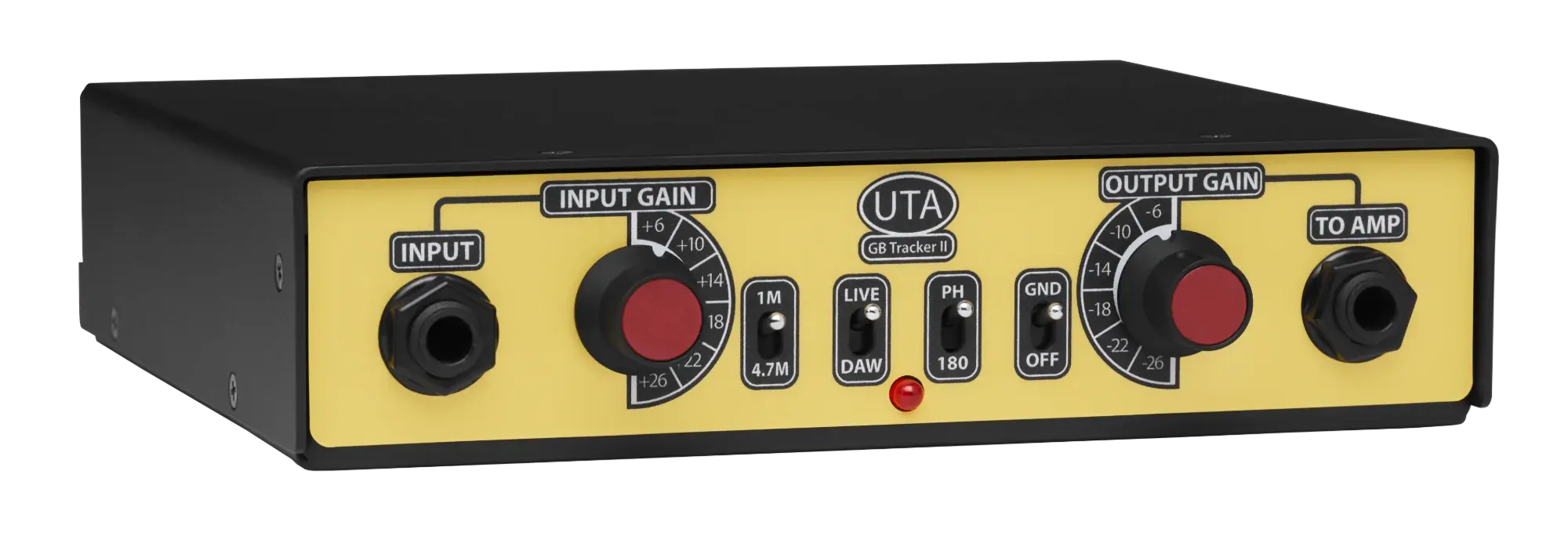
Discover the revolutionary GB Tracker II, an ingenious combination of instrument preamp and re-amplification device. This all-in-one solution is designed to seamlessly capture a line-level DI signal and allow you to customize your guitar tone through reamping. Elevate your recording experience with the ultimate tool for guitar and bass tracking.
Reamp Workflow Revolution
Experience a revolutionary workflow with the GB Tracker II, an innovative reamp box designed to seamlessly integrate into your recording setup. Our system prioritizes effortless operation while preserving the sonic integrity of your instruments and amplifiers. Once the GB Tracker II is part of your recording arsenal, unlocking the benefits of editing, processing, and re-amping your captured performances is as simple as flipping a switch.
Complete Sonic Transparency
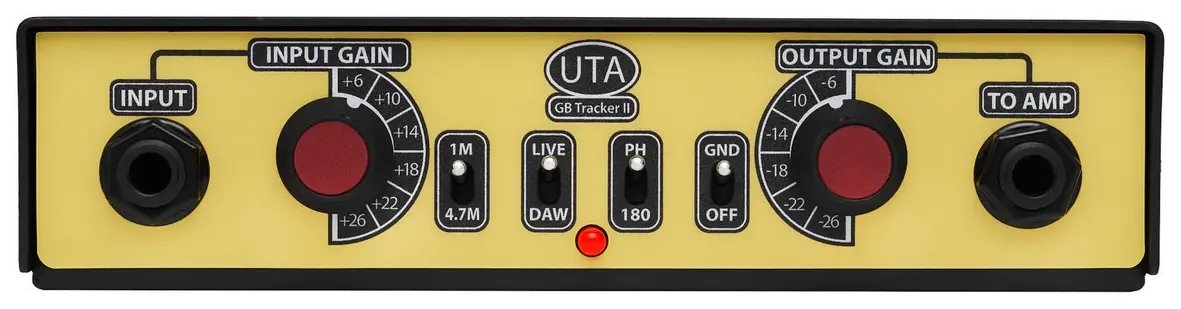
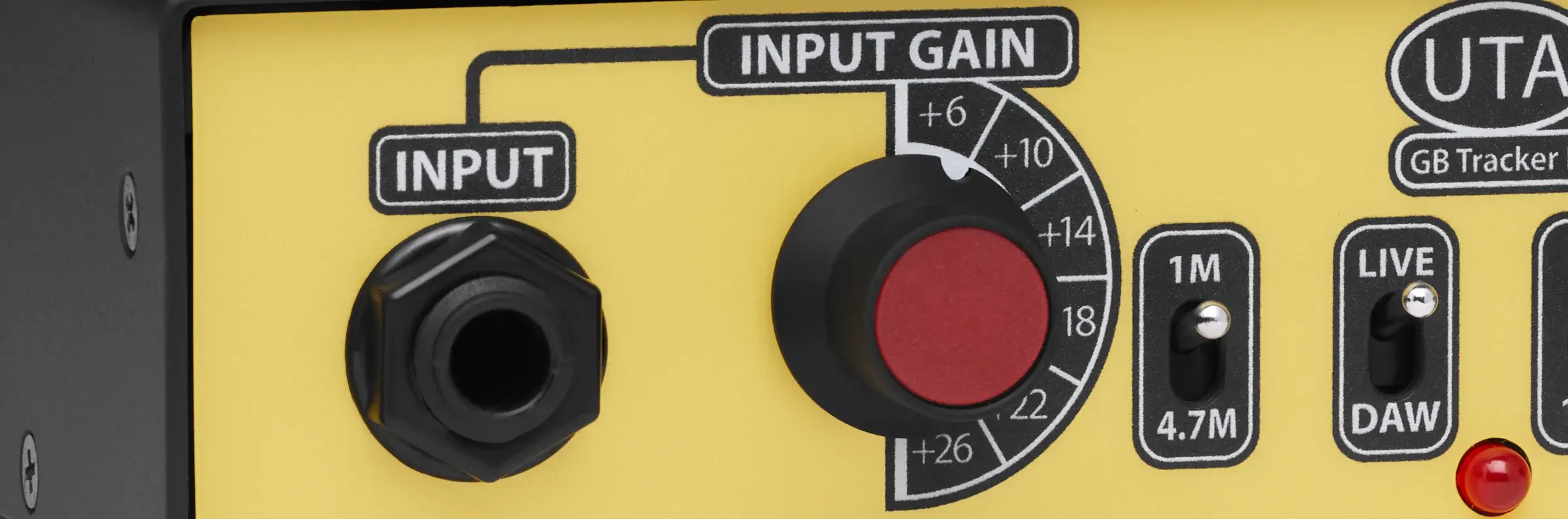
Achieve sonic transparency with our reamp box. Boasting detent'ed gain-matching input and output level controls, our unique design ensures precise unity gain throughout the DI to reamplification path. Meticulously crafted to match the impedances of popular guitars, basses, and amps, the GB Tracker II remains completely invisible-sounding. Your guitar and bass, when routed through the GB Tracker II, retains its original character, sounding identical to plugging a cable directly into your amp.
Features
Track now. Decide later.
DI in. Line-level out. Gain-matched return. The GB Tracker II turns the messiest workflow in your rack, re-amping electric guitar and bass, into one unit, one cable run, one button you actually trust. Capture a perfectly clean DI of your performance; come back days later and re-amp it through any cabinet, in any room, without losing a hair of your original tone.
Truly transparent
Detent'ed gain-matching input and output controls maintain precise unity gain through the DI to the re-amplification path. Impedance matched to the guitars, basses, and amps you actually own. Your guitar through the GB Tracker II sounds exactly like your guitar through the amp.
Capture once, tone forever
Record the performance you want and worry about the tone when you're ready. The GB Tracker II makes re-amping a one-cable workflow: try a different amp, a different room, a different mic position, anytime, without rerecording a single take.
Multi-amp ready
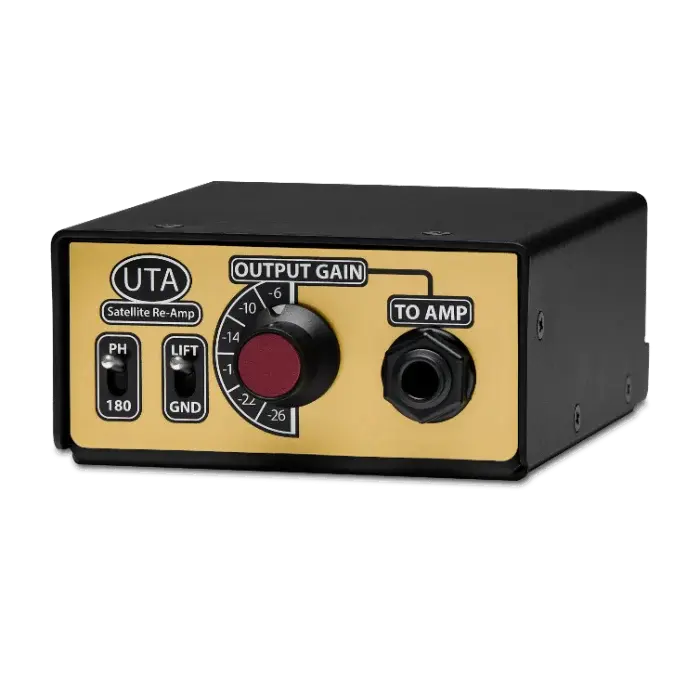
Pair the Tracker with the Satellite to drive multiple amps from one DI track. Run isolated cabs in different rooms, daisy-chain stereo rigs, and capture wet and dry stems on the same performance.
- Instrument DI and re-amp in a single chassis
- Detented level controls for unity gain end to end
- Switchable impedance
- Ground lift
- Phase reverse
- Hand-built in California
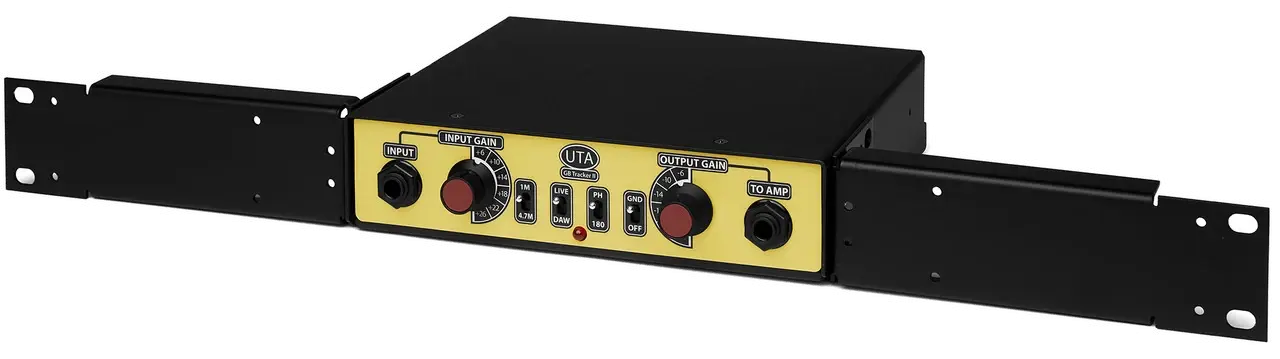
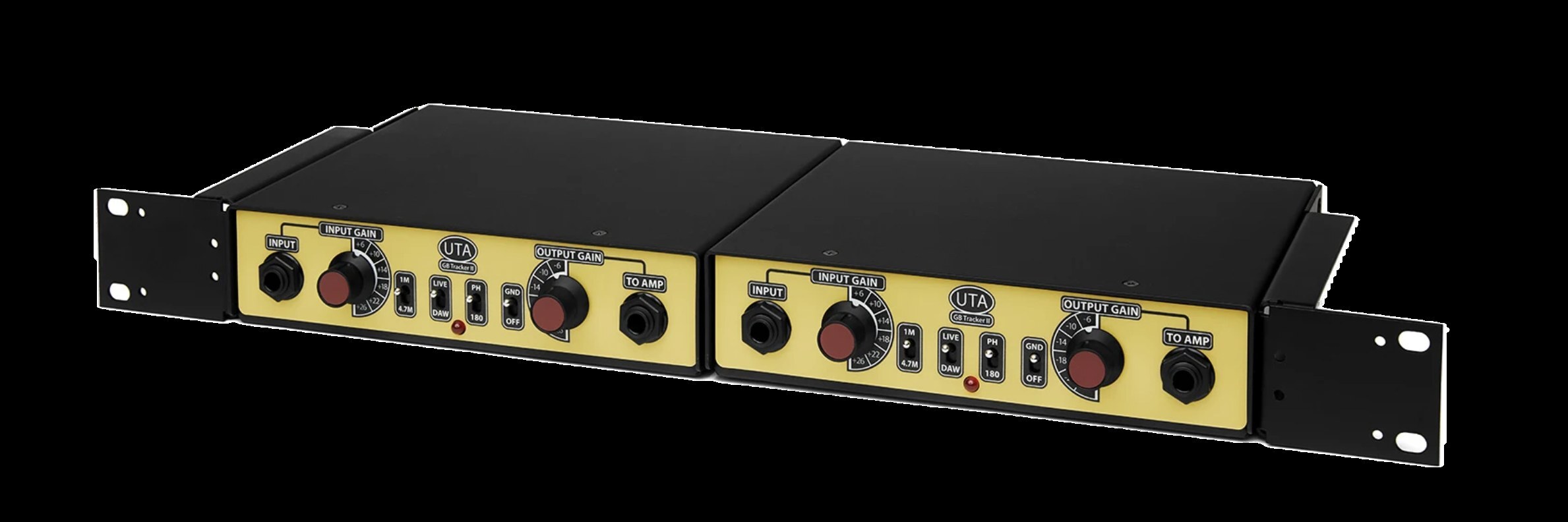
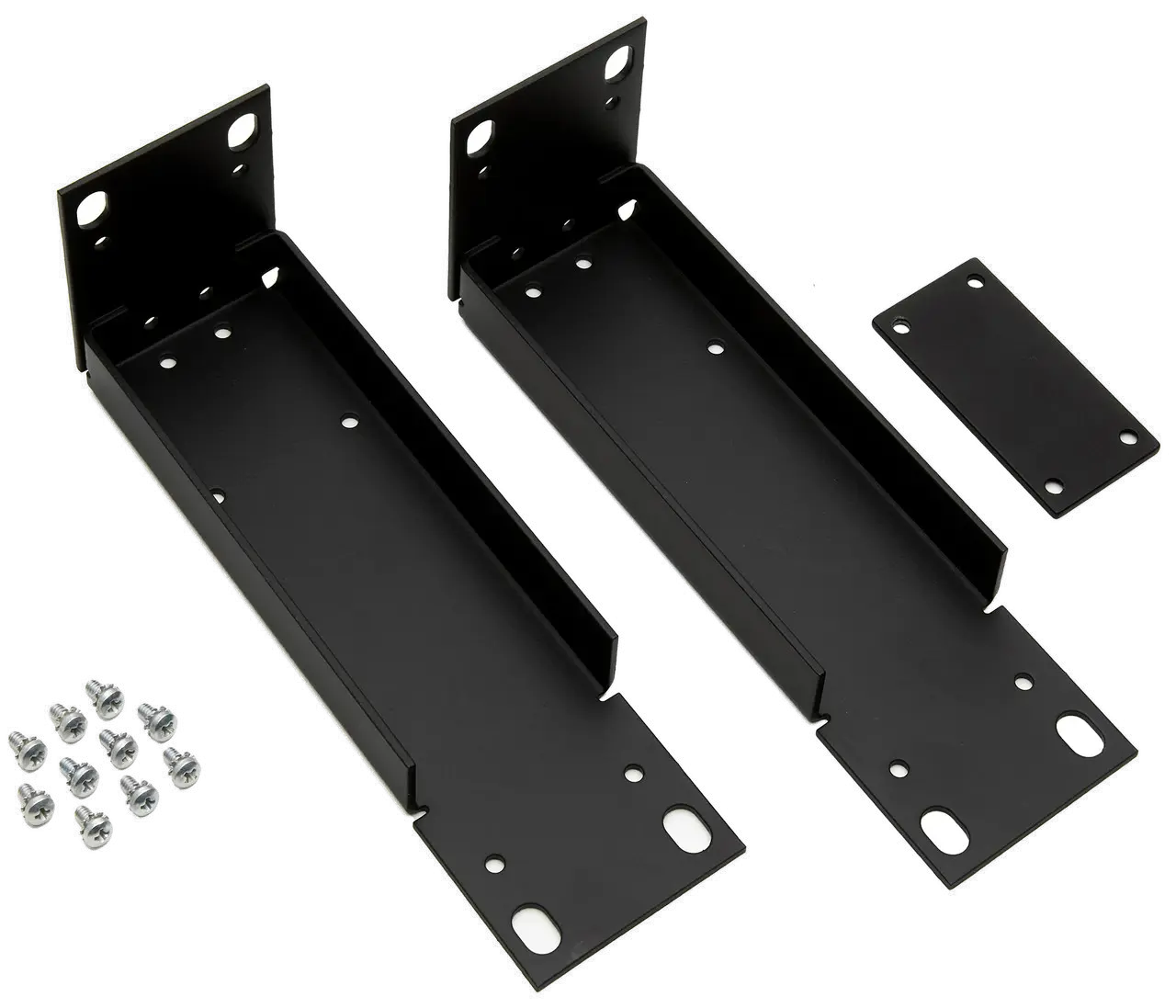
GB Rack Kit
Drop the Tracker into your studio rack. The Rack Kit holds the GB Tracker II (and optionally a Satellite) in a single rackspace, with clean cable routing and an industrial-grade faceplate. No more loose boxes on the floor; no more re-patching every session.
The walkthrough
Eric Valentine walks through the GB Tracker II and Satellite Re-Amp workflow: dial in the amp, track live with no latency, then re-amp the same take from the DAW.
Watch the video
Eric Valentine introduces the Tracker, then the perfect guitar DI and re-amp, and solving problems with the Tracker.
“I will never make a record without this box ever again.”
“Your guitar or bass going through the GB Tracker will sound exactly the same as plugging directly into your amp. The recording process simplifies the workflow and adds tons of flexibility.”