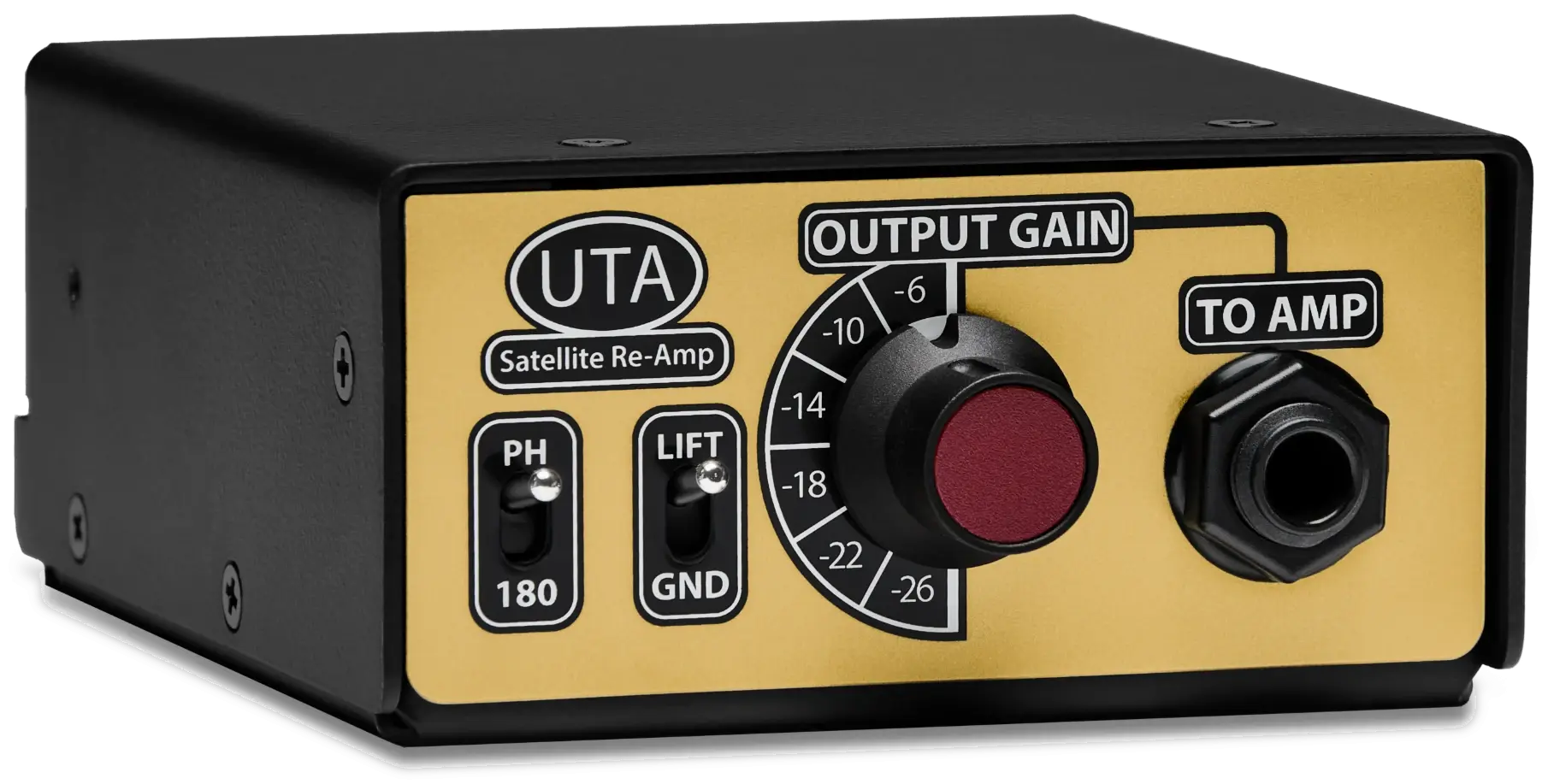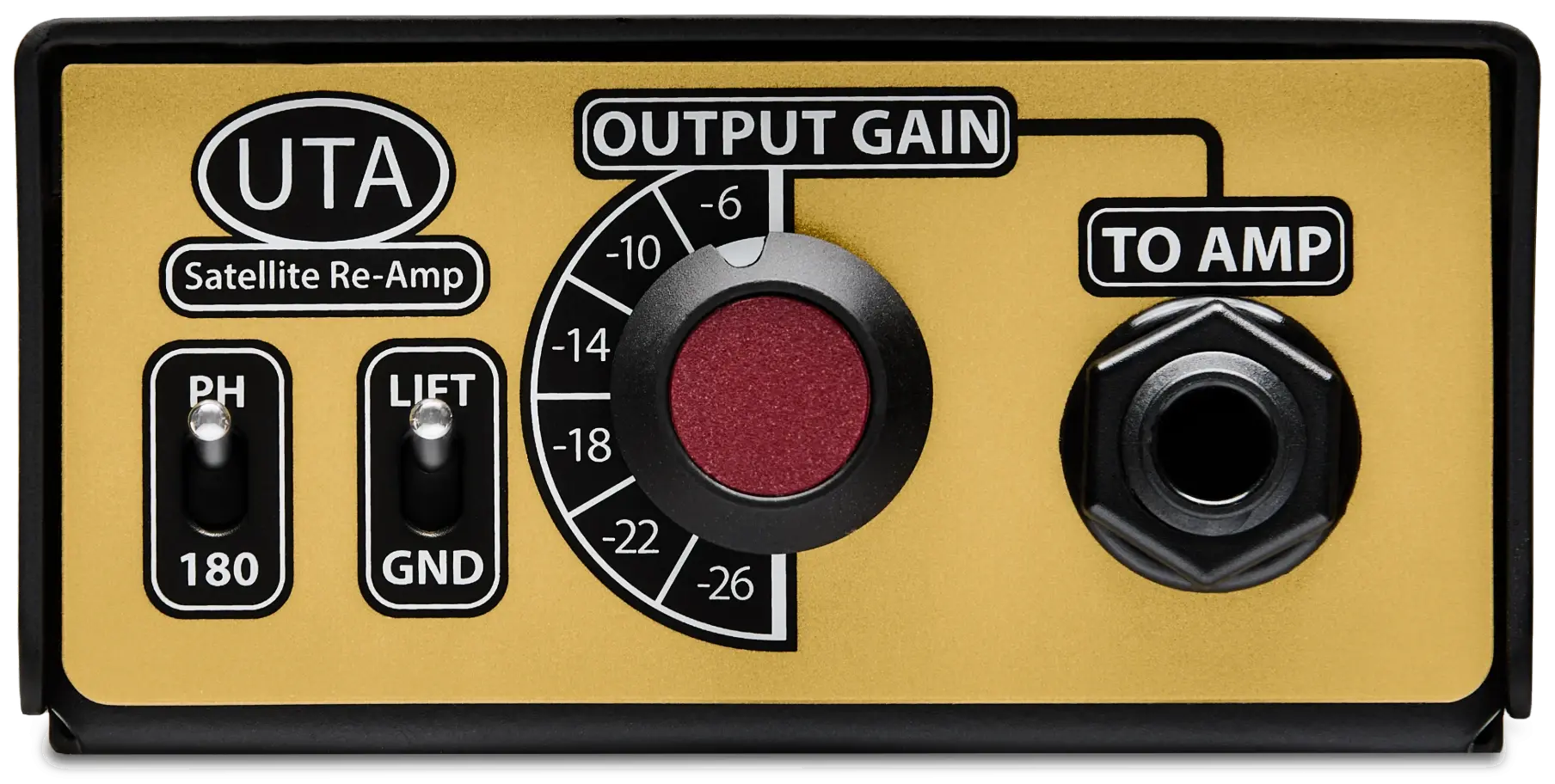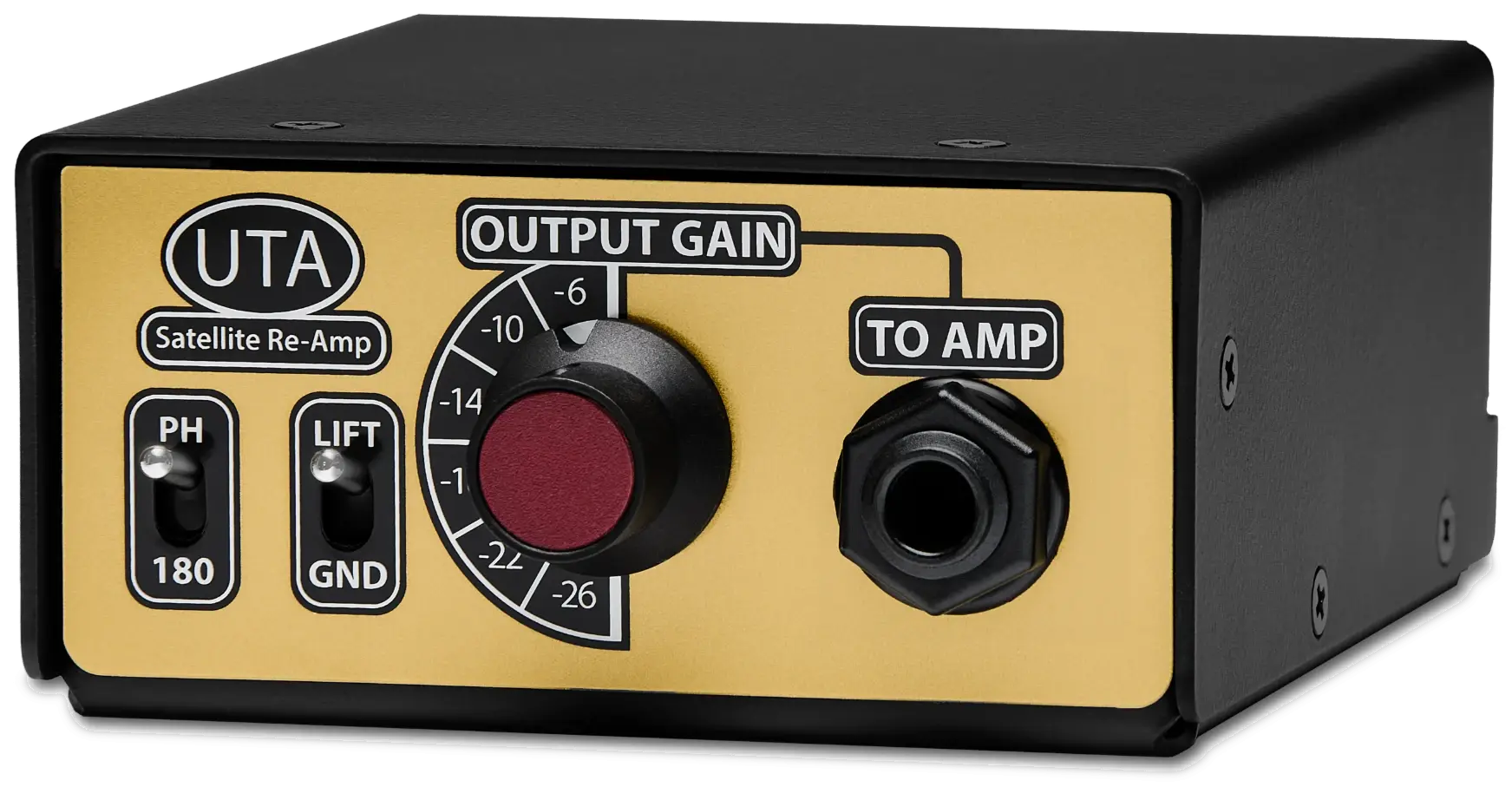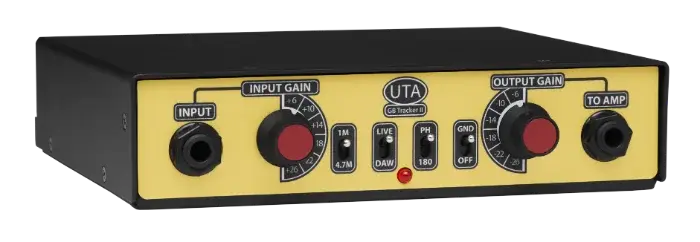
Satellite Re-Amp


Standalone, or with the GB Tracker II
Use the Satellite as a standalone re-amp, or alongside the GB Tracker II to expand the revolutionary re-amping workflow. Its custom transformer is designed to interact with your amp exactly like a guitar or bass.
Features
- Custom transformer designed to interact with your amp exactly like a guitar or bass
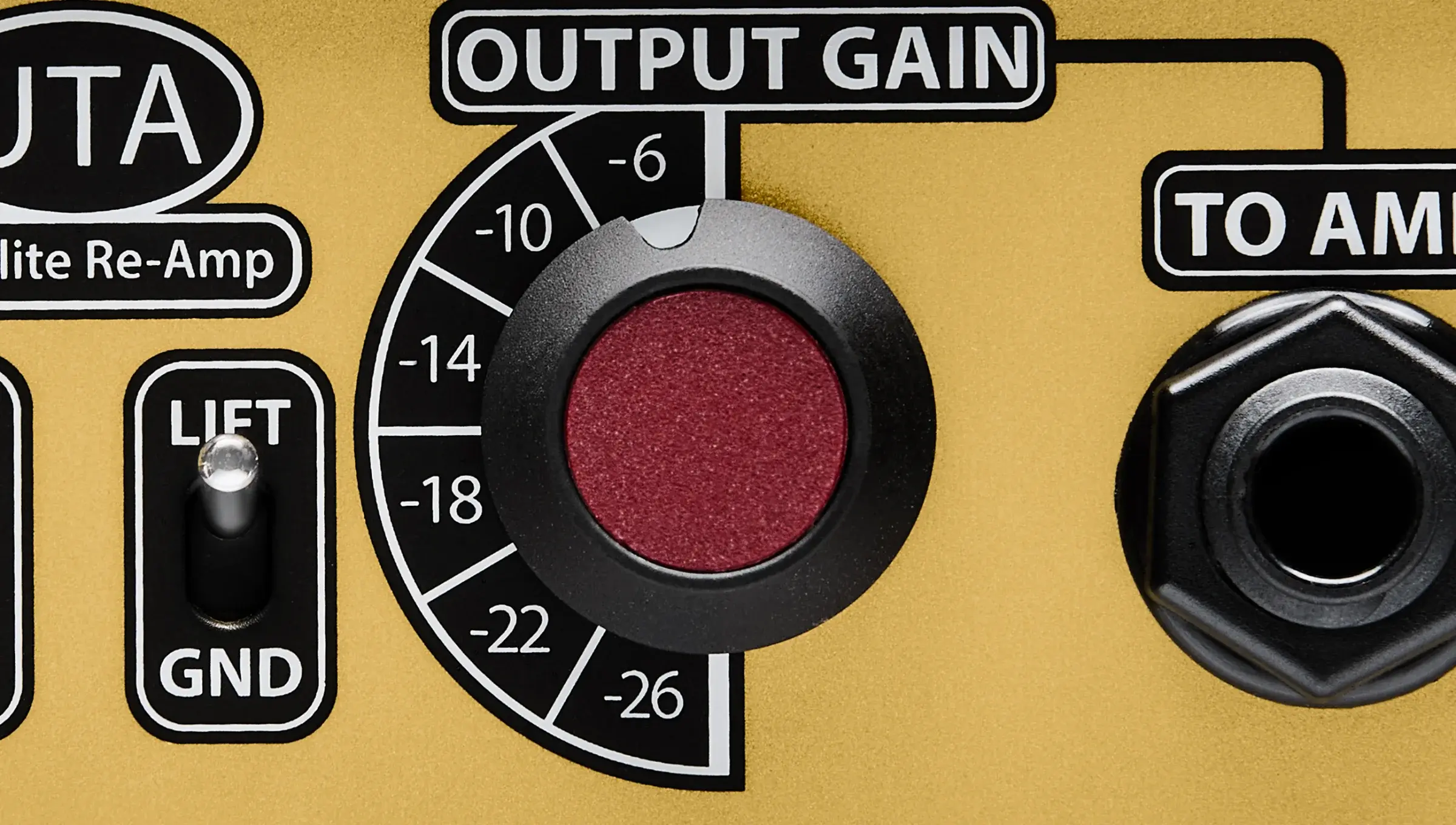
- Gain steps that match the GB Tracker II
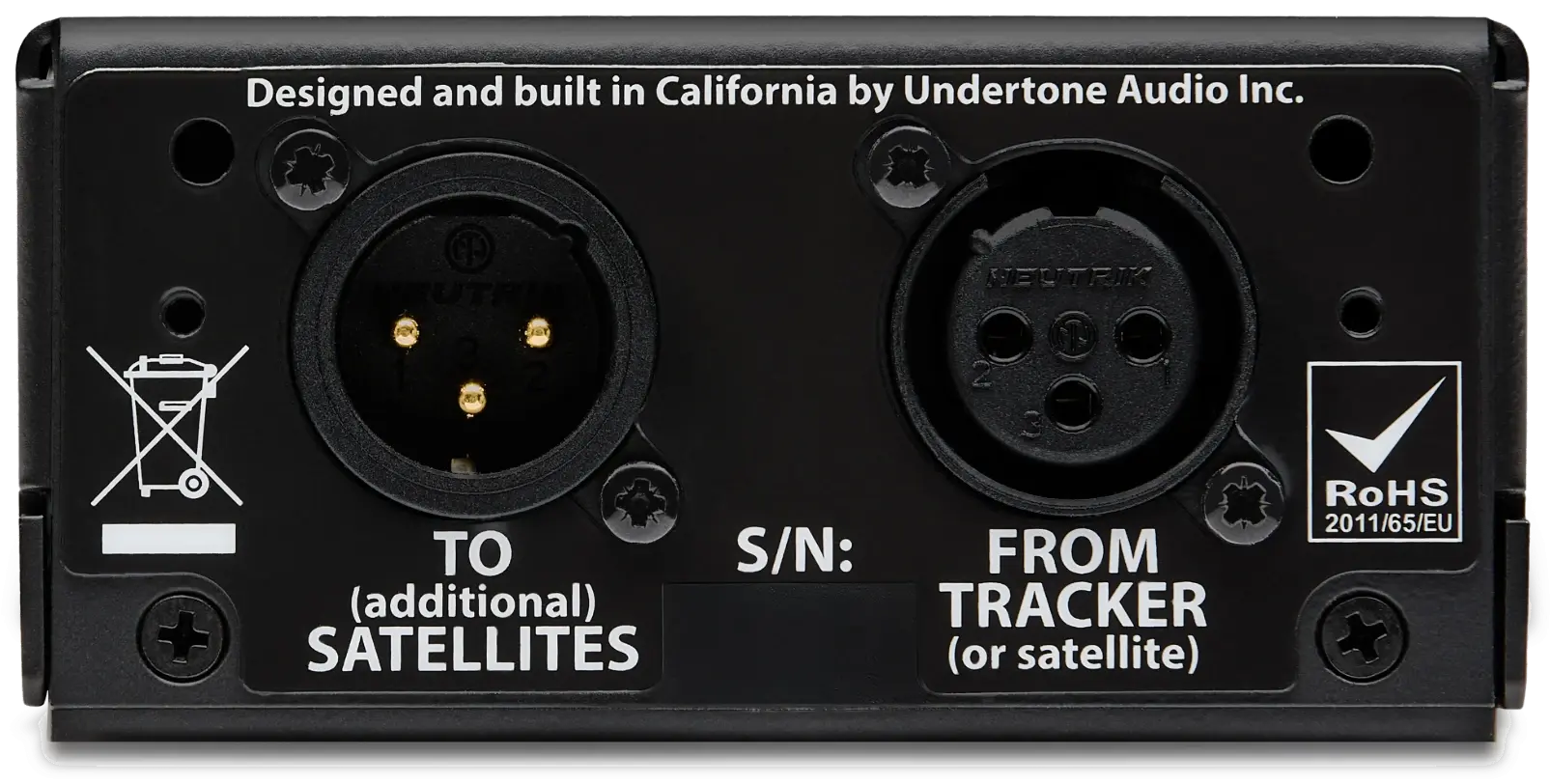
- Easily daisy-chain for re-amping to multiple amps
- Ground-lift and phase reverse
- Stylish new V2 look with optional rack mount kit
/Website/uta-satellite-zoom.webp)
Downloads
See it work with the GB Tracker II
Step through the workflow, then flip the switches and turn the knobs yourself.
Work the controls
These are the real front panels. Click a switch to flip it. Click the right side of a knob to turn it up a step and the left side to turn it down. Press play to hear what each move does.
GB Tracker II
The amp you are hearing is fed by the Satellite, so the Satellite's OUTPUT GAIN sets its level. The Tracker's OUTPUT GAIN only drives the Tracker's own TO AMP jack. Tick the second-amp box above to use it.
Satellite Re-Amp
Why the re-amp sounds the same
Raise the input gain to send a healthy line-level DI to the converter, then set the output gain to the matching negative number. The amp sees the level it would see from the instrument itself, live or played back. Mismatch the two knobs above and the amp gets pushed harder or cleans up.
The guitar is a real DI: Anthony Da Costa on “Shortcut,” tracked through a GB Tracker II at Pentavirate Studios in Nashville. The amp and the R-121 are a model running in your browser to show what each control does. They are not a recording of an amp or of an R-121.